

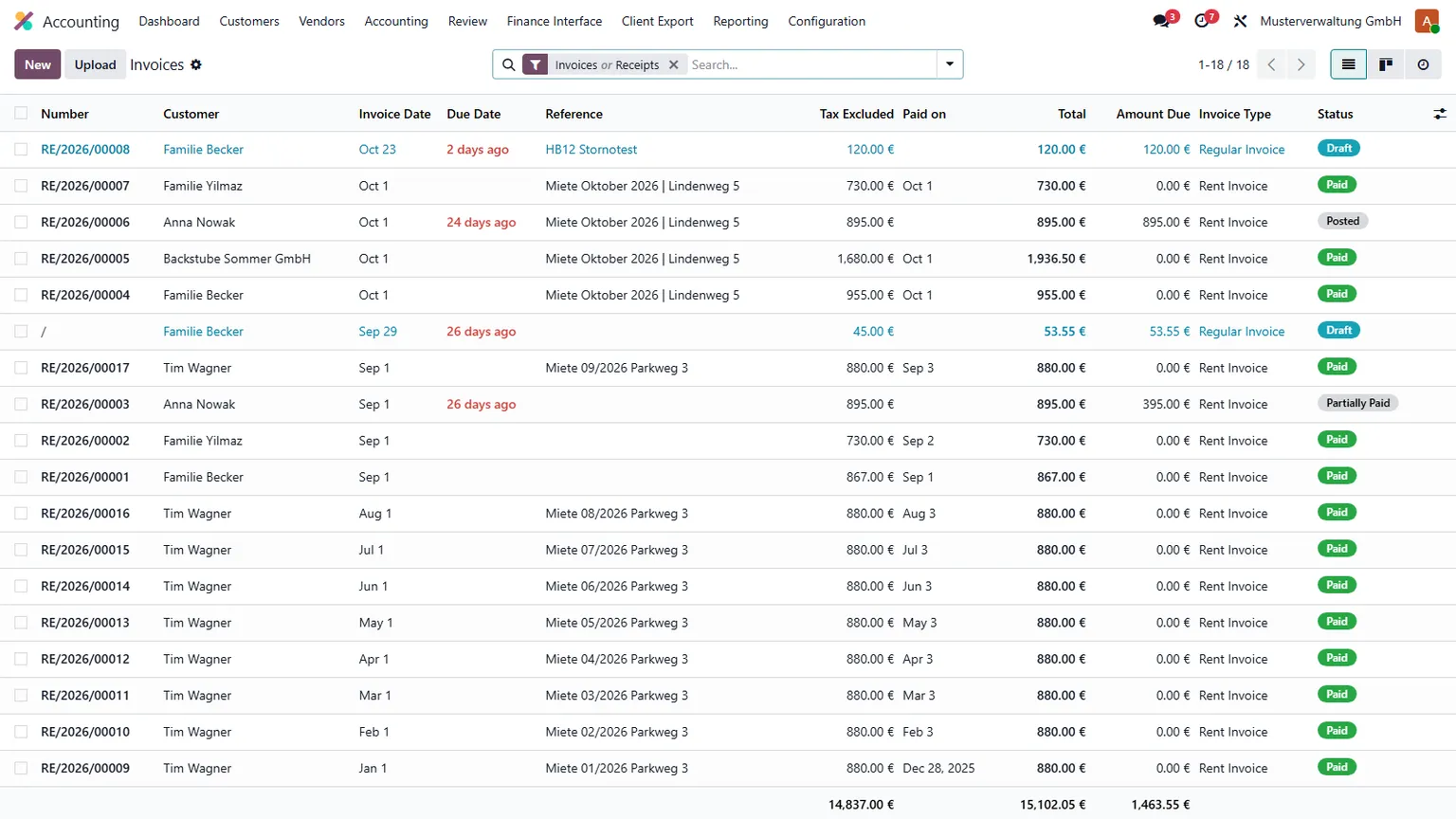
Accounting keeps the invoices, bank accounts and reminders of all properties in one system. In the Business plan the app is called Accounting, in the Light / Pro plan Invoicing. Where the steps differ, the pages show two tabs.
Set up and post
Section titled “Set up and post”- Set up accounting: accounts, checks, taxes, products, journals, payment terms
- Customer invoices
- Vendor bills
- E-invoicing: legal requirements, settings, incoming and outgoing e-invoices
- Intercompany invoices: invoices between two of your own companies
- Recurring invoices, add-on product
- Utility installments: electricity, gas, water, heat
- Bank matching
- EBICS: fetch bank statements, submit payment files
- IBAN check: check the IBAN, look up the BIC, assign the bank
- SEPA pre-notification: announce direct debits in advance, Business plan
- Bank accounts of external owners: run an owner’s account as a bank journal
- Reconciliation models
- Dunning
- Loan management
- DATEV export from the general ledger: standard in the Business plan, with a comparison of both ways
- DATEV export (Ecoservice): paid add-on module from a third-party provider
Rent invoices and incoming payments from the rental management side are described on the pages Rent debits and Incoming payments and reminders.
Reports
Section titled “Reports”- Set up the cash receipts statement
- Evaluate the cash receipts statement
- Payments around the turn of the year
Background
Section titled “Background”- GoBD: what SMARTBRIX does for proper bookkeeping and what you handle yourself
Didn't find an answer? Contact support