

Payments around the turn of the year
Business only
Question about the manual? Ask Claude · Ask ChatGPT
Rent paid before the turn of the year
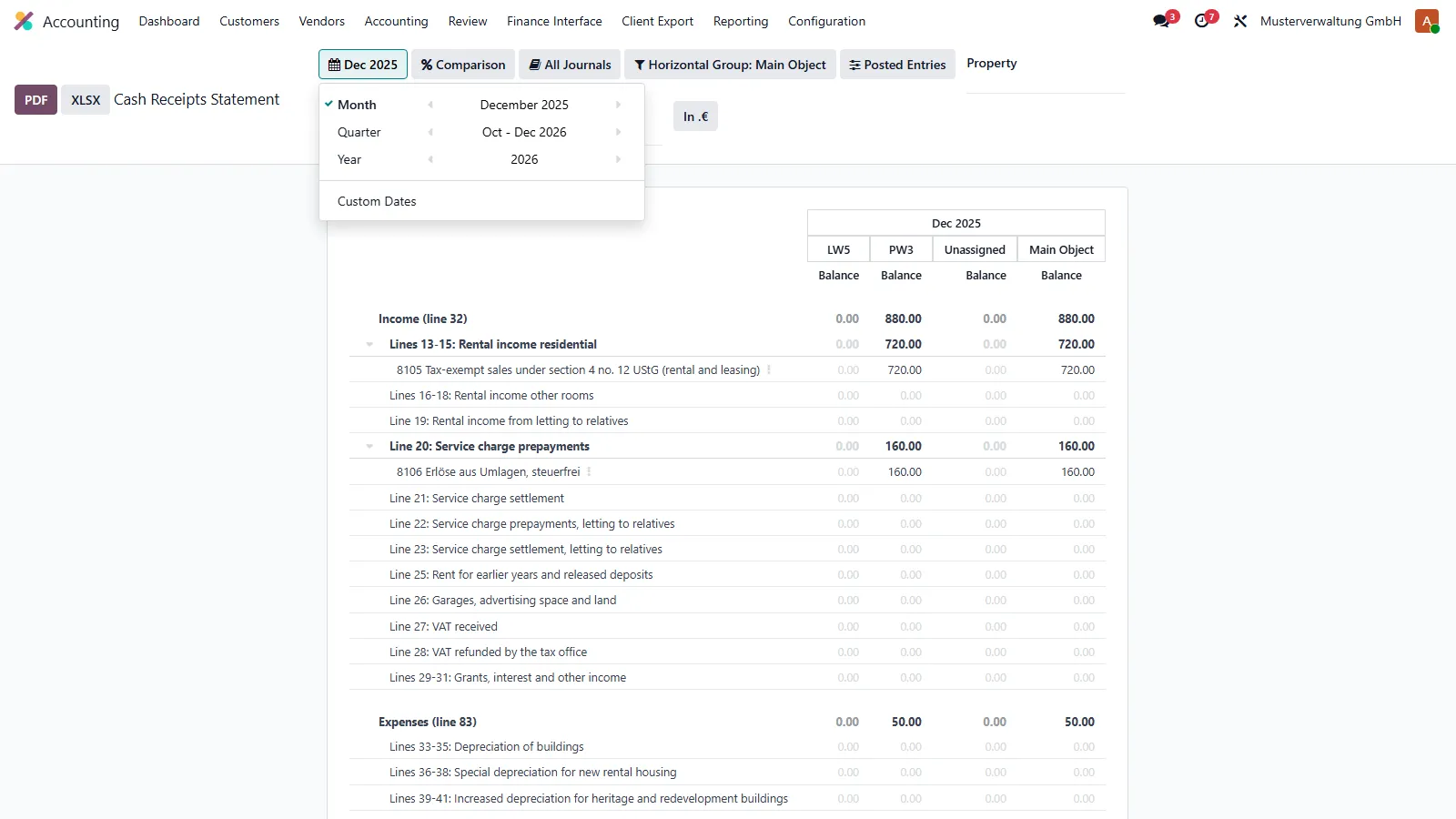
Section titled “Rent paid before the turn of the year”The January rent for an apartment was paid on 12/28/2025. The invoice is dated 01/01/2026. Under the cash principle, it belongs to December.
What you do
Section titled “What you do”In the cash receipts statement, click the period, choose Month and use the arrows to go to December 2025.
What happens automatically
Section titled “What happens automatically”- This rent is missing in January 2026. It has already been counted in December.
- VAT under cash-basis taxation follows the same date rule. The report and the advance VAT return therefore match.
The ten-day rule
Section titled “The ten-day rule”German tax law assigns regularly recurring payments that move within the ten days around the turn of the year to the year they economically belong to. Under this rule, the January rent from the example belongs to the new year, even though the money arrives in December. The window runs from December 22 to January 10.
What you do
Section titled “What you do”-
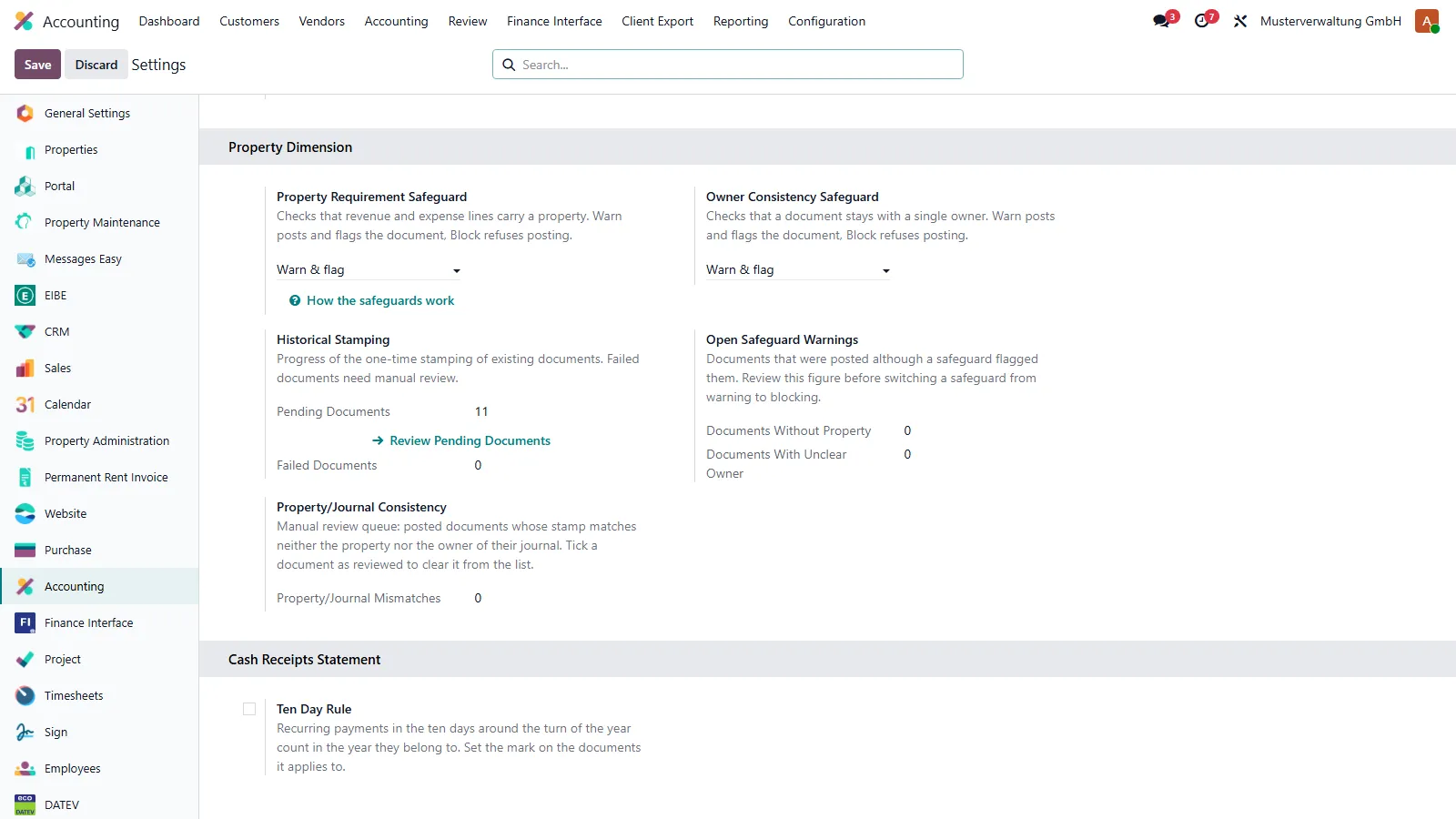
Open Settings › Accounting and, in the Cash Receipts Statement section, tick the Ten Day Rule checkbox. It applies per company and is off by default.
-
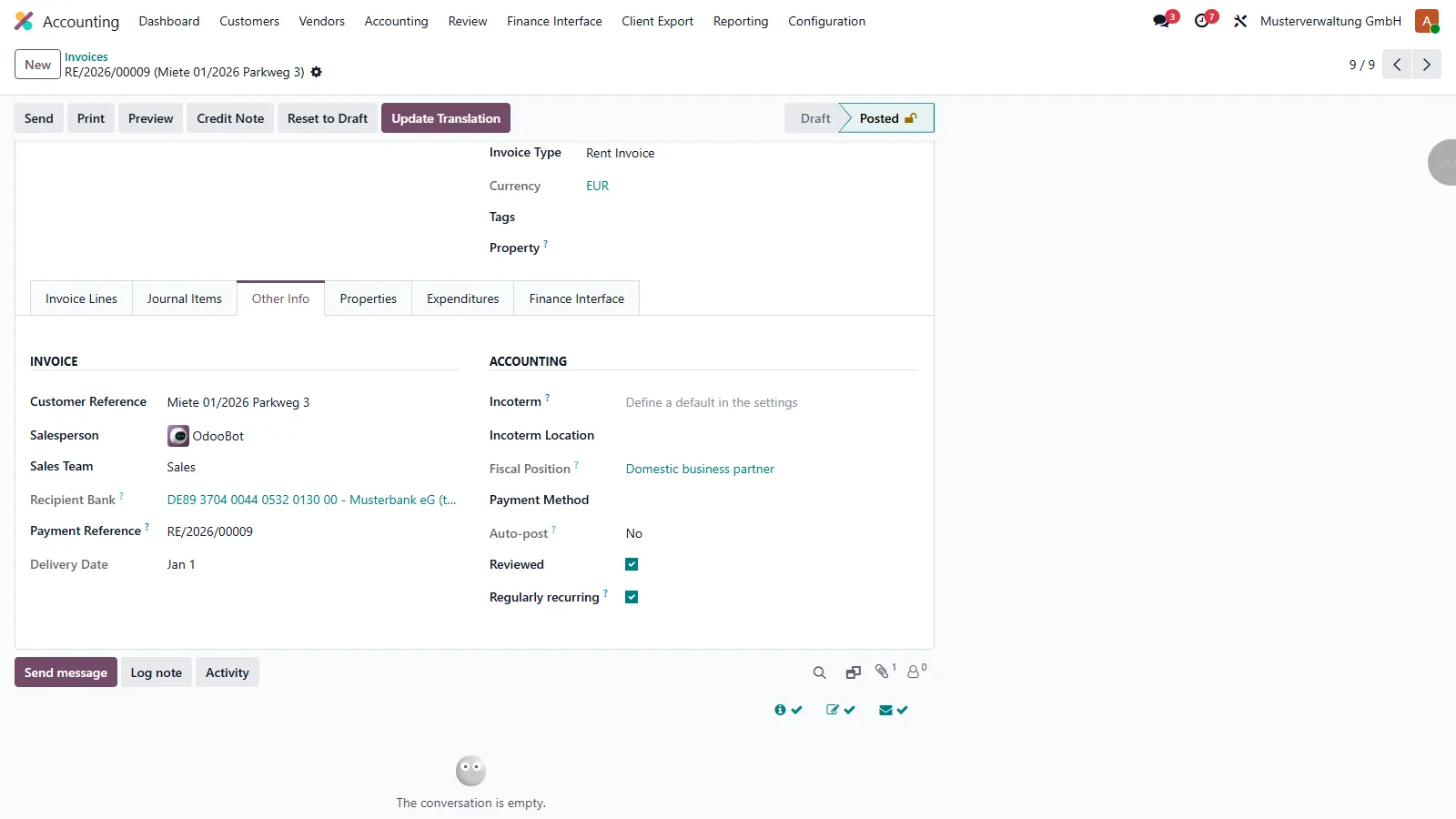
On the document, check the Regularly recurring flag on the Other Info tab. Rent invoices have it set automatically; for all other documents, you set it yourself.
What happens automatically
Section titled “What happens automatically”- An amount is only moved if the payment, invoice date and due date are all within the window and the payment and invoice fall in different years. A rent that is not due until the end of January stays in December.
- Without the flag, the date the money moved applies. A one-off invoice from a tradesman therefore never moves.
- The report does not move the VAT advance payment for December that leaves the account in January. It has no invoice, so your tax advisor assigns it.
- The move also affects the monthly view, but only at the year boundary.
Didn't find an answer? Contact support