

Vendor bills
Question about the manual? Ask Claude · Ask ChatGPT
You record vendor bills in the Accounting › Vendors › Bills list. In the Light / Pro plan, the app is called Invoicing; the steps are the same. Assign each invoice line to a property. Recoverable costs also get a cost type; SMARTBRIX then creates the expenditure for the service charge statement itself when you post the bill.
Upload or create a bill
Section titled “Upload or create a bill”You have two ways:
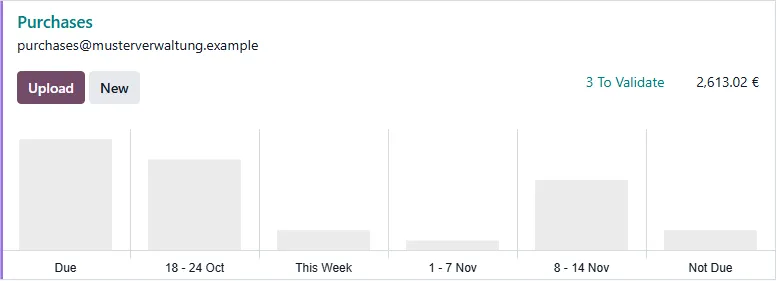
- Upload: In the list or on the Purchases tile in the Dashboard, click Upload and choose the PDF file. SMARTBRIX creates a draft bill and attaches the PDF. If the file contains an e-invoice (XRechnung or ZUGFeRD), SMARTBRIX takes the vendor, date, lines and amounts from it. See E-invoicing.
- New: You create the bill by hand.
Record a bill
Section titled “Record a bill”- Choose the Vendor and enter the vendor’s invoice number under Bill Reference.
- Enter the Bill Date. For costs that cover a period, fill in the Service Period (from and to), for example for a quarterly bill.
- On the Invoice Lines tab, add the lines: Product or description, Account, amount and tax.
- Choose the Property in each line. For costs of the whole building, this is the building; for costs of an apartment, the unit.
- If the line is recoverable, choose the matching cost type under Cost Types. Only the cost types of the selected property are available.
- If the bill contains labor costs for household-related services, enter them under Labor Costs.
- Click Confirm.
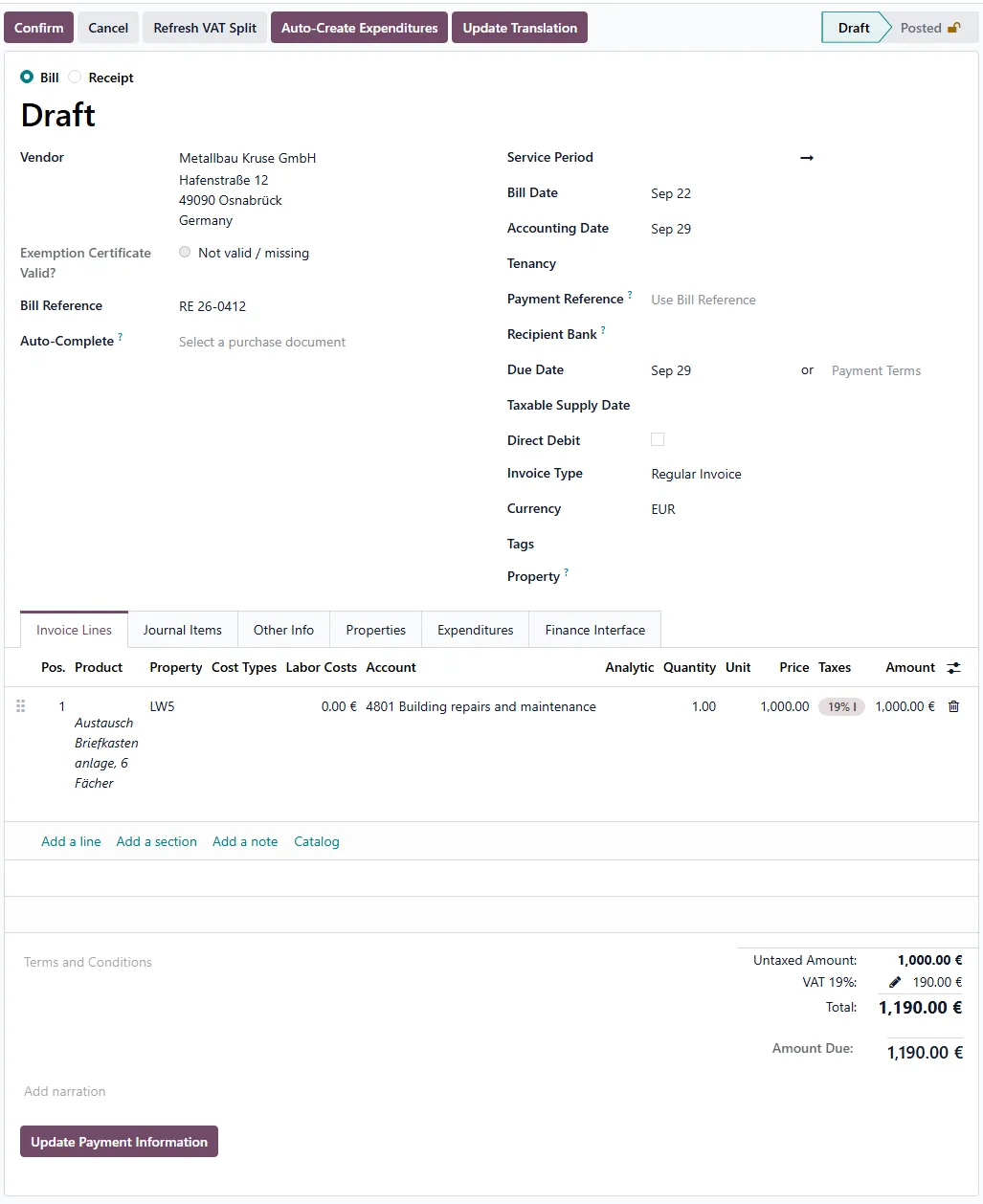
Are the Property, Cost Types and Labor Costs columns missing? Show them with the icon on the right in the header of the line table.
What happens when you post
Section titled “What happens when you post”- If the bill has an approval route, it is first set to To Approve. It is posted only after the final approval, and then everything below applies.
- SMARTBRIX checks whether each expense line has a property and, where possible, adds it from the Property field in the bill header. See Checks when posting.
- If a line has a property and a cost type and the bill has a service period, SMARTBRIX creates the expenditure. It appears on the Expenditures tab of the bill and flows into the service charge statement.
- If any of this information is missing, no expenditure is created. There is no error message for this.
- The bill is an open item with the vendor until you match the payment in Bank matching.
Input VAT with partly opted letting
Section titled “Input VAT with partly opted letting”If the bill belongs to a property whose analytic account has VAT Optioning set, SMARTBRIX splits the input VAT: costs of the whole property by the option rate, costs of a single unit by its usage on the bill date (100 % or 0 %). SMARTBRIX posts the non-deductible part to the expense account. If you change the date or lines in the draft, recalculate the split with Refresh VAT Split. More on this under Option to tax.
Create bills that come back the same every month as a recurring invoice, and installments to utilities as described under Utility installments.
More on vendor bills: Vendor bills in the Odoo documentation.
Didn't find an answer? Contact support